
“I’m setting up my home recording studio. I want that classic neon sign look for the vibe, but I’m terrified of electrical noise bleeding into my recordings. Is there a neon sign that won’t hum through my SM7B?”
This question on r/audioengineering and r/WeAreTheMusicMakers gets asked regularly. And it’s a legitimate concern — cheap neon signs can introduce buzz, hum, and RF interference into sensitive recording equipment.
The Problem: Why Some Neon Signs Buzz in Studios
The issue comes down to power supplies. Cheap LED neon signs use low-quality switching power supplies that produce electromagnetic interference (EMI). This interference can be picked up by:
- Dynamic microphones (SM7B, RE20) — less susceptible but still at risk with bad power supplies
- Condenser microphones — more sensitive to EMI, especially in the 60Hz-10kHz range
- Guitar pickups — single-coil pickups are notorious for picking up electrical noise from nearby electronics
- Audio interfaces — poorly shielded interfaces combined with dirty power create audible hum
What To Look For in a Studio-Safe Neon Sign
| Feature | Good for Studio | Bad for Studio |
|---|---|---|
| Power supply | UL/CE certified, shielded, medical-grade | Unbranded, unshielded, cheap adapter |
| Driver type | Constant-current LED driver with EMI filtering | Resistor-limited, no filtering |
| LED quality | 12V/24V DC, low EMI emission | No-name strips, inconsistent voltage |
| Dimming | PWM dimming with high frequency (>1kHz) | Low-frequency PWM (audible buzz) |
| Cable shielding | Braided shielding on power cable | Unshielded barrel connector |
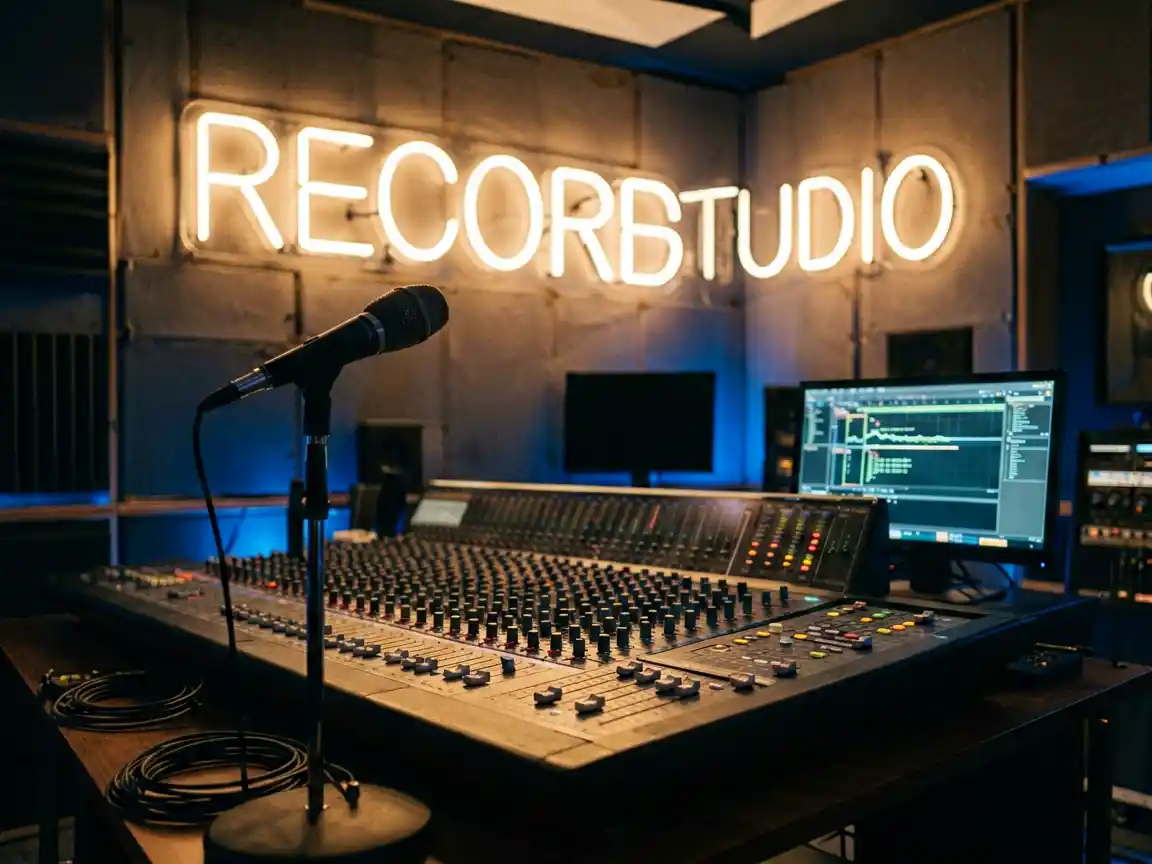
A studio-quality neon sign for recording studios should come with a high-quality UL-listed power adapter and RF-shielded cable. The LED driver should use constant-current technology with EMI suppression built in.
What Reddit Sound Engineers Actually Recommend
From a mastering engineer (r/audioengineering):
“I have a neon sign in my control room. The trick is: plug it into a different circuit than your audio gear. And buy a sign with a good power supply — not the $12 adapter that comes with cheap signs. My sign is on a Furman power conditioner and there’s zero noise, even with my SM7B maxed out.”
From a home studio owner (r/WeAreTheMusicMakers):
“I bought a $50 ‘studio’ neon sign off Amazon. Big mistake. Constant hum. I replaced it with a proper sign from a custom manufacturer with a shielded power supply. Night and day difference. My recordings are clean.”
Practical Tips for Your Studio Neon Sign
- Separate circuits — Plug the sign into a different electrical circuit than your recording gear. This alone eliminates 90% of potential noise issues.
- Use a power conditioner — A basic Furman or Tripp Lite power conditioner filters out line noise and provides clean power.
- Distance matters — Keep the sign at least 3-4 feet from your microphone, guitar amp, or audio interface.
- Test before mounting — Plug the sign in and test with your recording chain before permanently mounting it on the wall.
- Choose warm white or amber — These colors look great on camera and don’t introduce color casts that screw up monitor calibration.
Browse our studio-safe neon sign collection — all signs come with shielded premium power supplies and EMI-filtered drivers designed for sensitive audio environments.
Looking for the perfect neon sign for your needs? Check out our creator studio neon sign collection, our creator studio neon sign collection, or our creator studio neon sign collection to find exactly what you’re looking for.